Trezor.io/Start® — Starting Up Your Device | Trezor®
Learn through Trezor.io/start how to initialize your device, follow setup instructions, and configure your wallet.
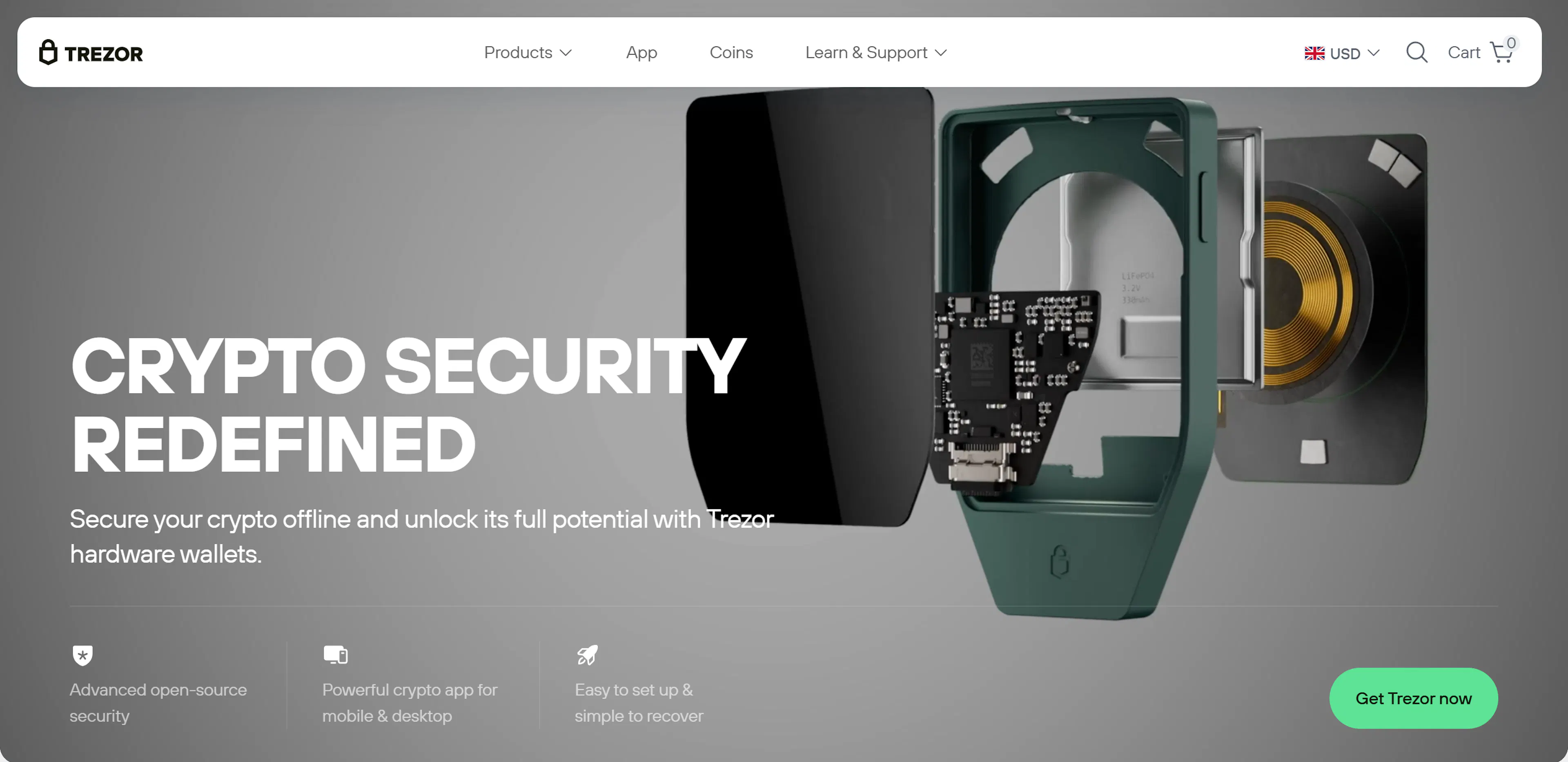
Trezor.io/start: Your Guide to Starting and Securing Your Hardware Wallet
Introduction to Trezor.io/start
Trezor.io/start is the official setup page for users who want to begin using a Trezor hardware wallet. It provides step-by-step guidance for connecting a device, installing the recommended software, and configuring a wallet.
A Trezor hardware wallet is designed to keep cryptocurrency private keys protected on the device. Through compatible software, users can manage supported digital assets while approving transactions directly on their hardware wallet.
What Can You Find on Trezor.io/start?
The official setup page brings important device instructions together in one place. It helps new users understand the setup process and find the appropriate resources for their Trezor model.
Key resources include:
- Hardware wallet setup instructions.
- Guidance for installing Trezor Suite.
- Device verification information.
- Wallet creation and recovery guidance.
- Security recommendations and support resources.
Visiting the official website helps reduce the risk of downloading modified software from an untrusted source.
Steps to Get Started With Your Trezor Device
1. Open the Official Website
Visit https://trezor.io/start using a trusted browser. Check the address carefully to make sure you are on the genuine Trezor website.
2. Connect Your Hardware Wallet
Connect your Trezor device to your computer with a compatible USB cable. Follow the instructions shown on the device and the official setup page.
3. Download Trezor Suite
Install Trezor Suite through the official Trezor website. This application provides an interface for viewing supported accounts and managing cryptocurrency transactions.
4. Verify Your Device
Follow the device verification instructions provided during setup. If a firmware installation or update is required, use the official software and follow the prompts for your specific model.
5. Create or Recover Your Wallet
Choose whether to create a new wallet or recover an existing one. Carefully follow the instructions displayed by your device.
6. Protect Your Recovery Backup
Write down your recovery backup using the method recommended by Trezor. Keep it private and store it in a secure offline location. Never share your recovery words or enter them into a website, computer application, or support chat.
Explore Trezor Suite
Trezor Suite is the companion application for managing supported cryptocurrency accounts. Depending on the device, asset, and software version, its features may include:
- Checking account balances.
- Receiving supported cryptocurrencies.
- Preparing and reviewing transactions.
- Viewing transaction history.
- Organizing supported accounts.
- Managing device-related settings.
Before confirming a transaction, always check the recipient address, network, and amount directly on your Trezor hardware wallet.
Best Practices for Wallet Security
Protecting digital assets requires more than completing the initial setup. Good security habits can help reduce common risks.
- Download software only from official Trezor sources.
- Keep your device firmware and application updated.
- Never disclose your recovery backup to another person.
- Avoid suspicious links and unexpected support messages.
- Verify transaction information on the hardware device.
- Keep your recovery backup separate from your computer.
Remember that a hardware wallet helps protect private keys but cannot eliminate every security risk or prevent all scams.
Troubleshooting Setup Problems
If your computer does not recognize the device, check the USB connection and try another compatible cable or port. Restarting Trezor Suite may also help.
For firmware, installation, or device-specific issues, consult the official Trezor guides at https://trezor.io/guides. Instructions may differ depending on your hardware model and operating system.
Conclusion
Trezor.io/start provides a central starting point for configuring a Trezor hardware wallet. By following the official setup instructions, installing Trezor Suite from a trusted source, and keeping your recovery backup private, you can establish a more secure process for managing supported digital assets.
Disclaimer: This is independently written educational content and is not an official Trezor publication. Refer to Trezor's official website for the latest product information and setup instructions.